Email Countdown Timer — Complete Guide
An email countdown timer is an animated GIF that counts down to a specific date and time, creating urgency and boosting clicks. This guide explains how countdown timers work, best practices, and how to add them to your emails in popular platforms. While this sounds like a simple task at first glance, there's more to it than just creating a GIF image: the shown image needs to be constantly regenerated to display an accurate countdown. We explained this in more detail in our post Why You Need a Dynamic Email Countdown Service (Not a Static GIF).
How an email countdown timer works
MailCountdowns generates an animated GIF with server-side frames calculated at open time. Each time the email is opened, the GIF reflects the remaining time. This makes it reliable across clients that support animated GIFs (Gmail, Apple Mail, mobile clients). Outlook shows the first frame; we optimize that frame for clarity. Creating a countdown is easy with out service:
Create your timer
1. Log in to your MailCountdowns dashboard. You can click this link to open it in a new tab and keep this guide open at the same time!
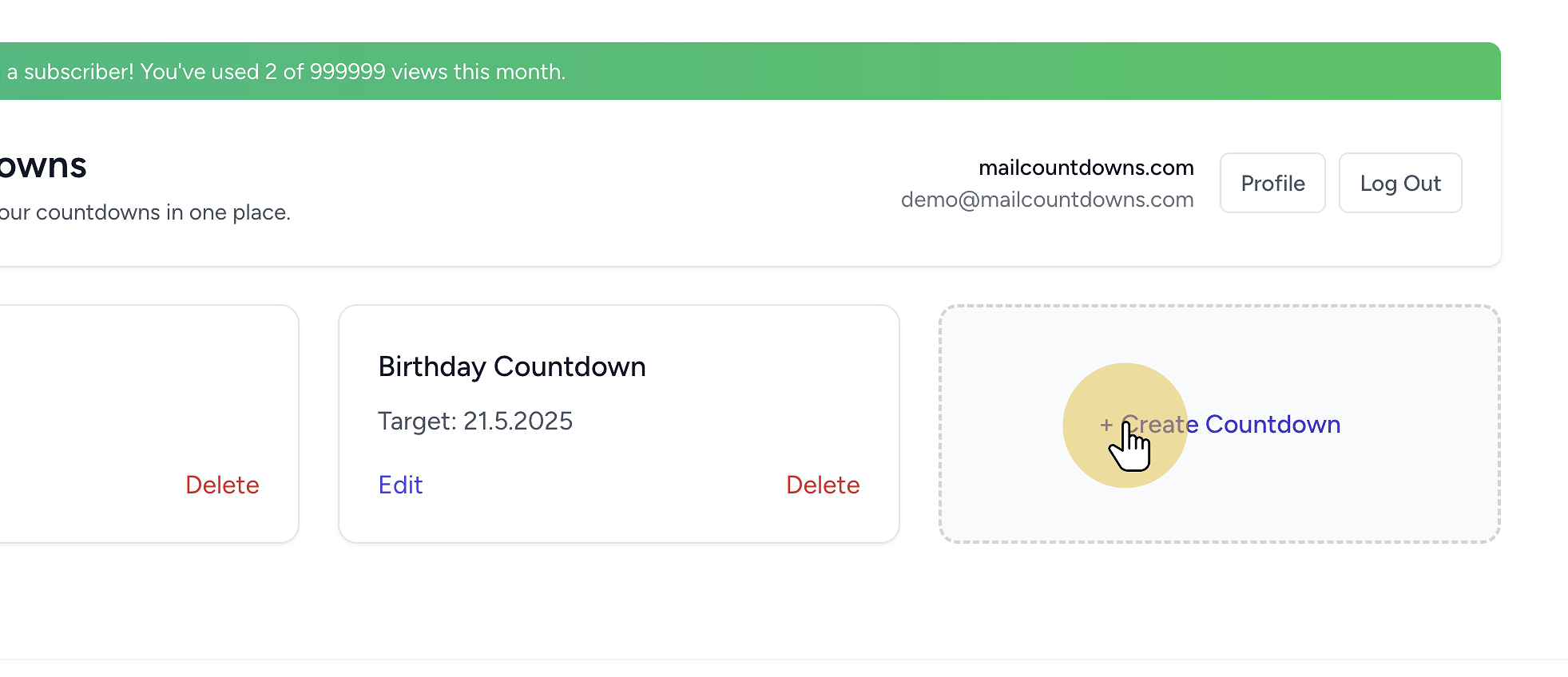
2. Click "Create New Timer"
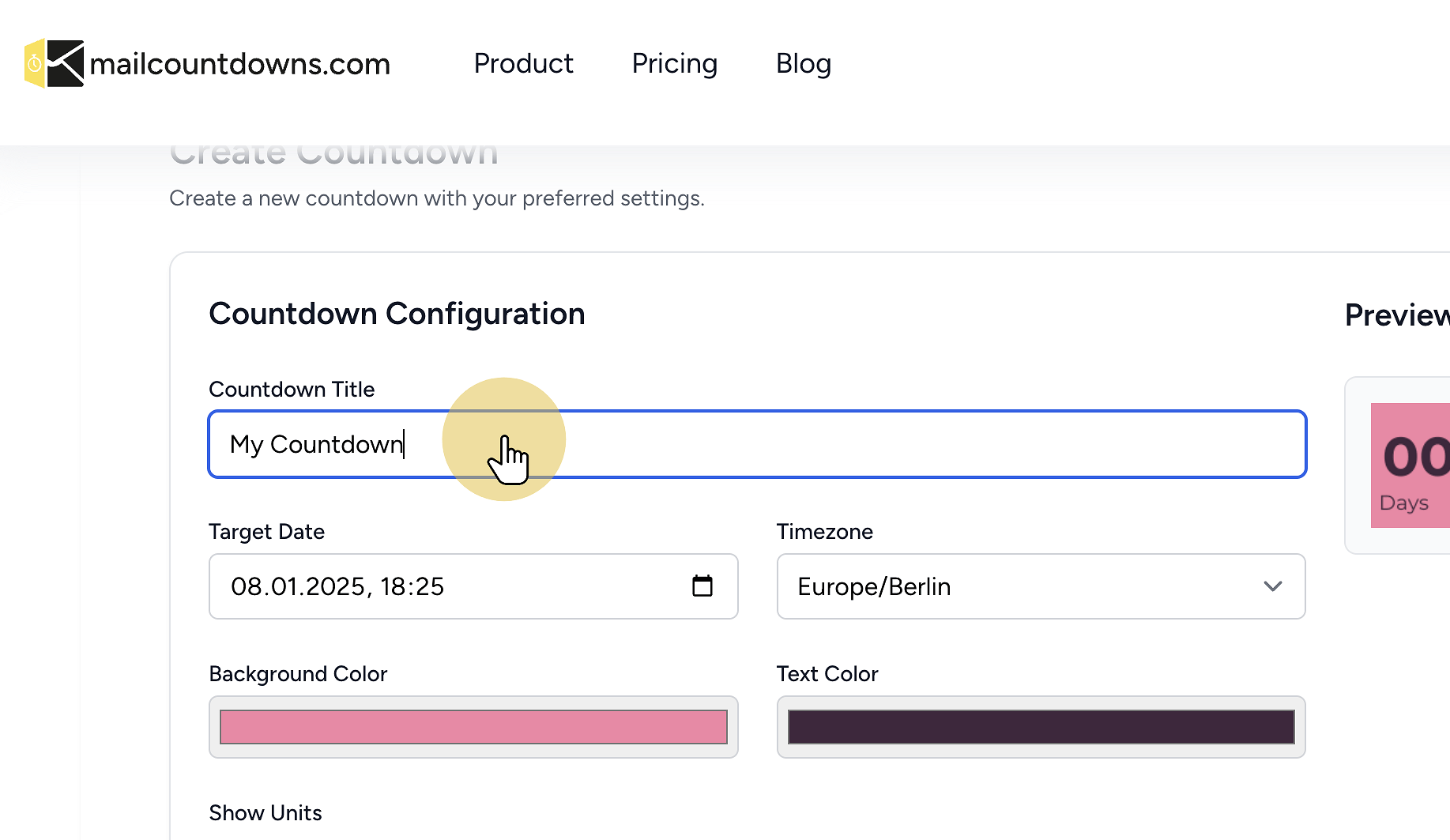
 3. Customize your countdown timer
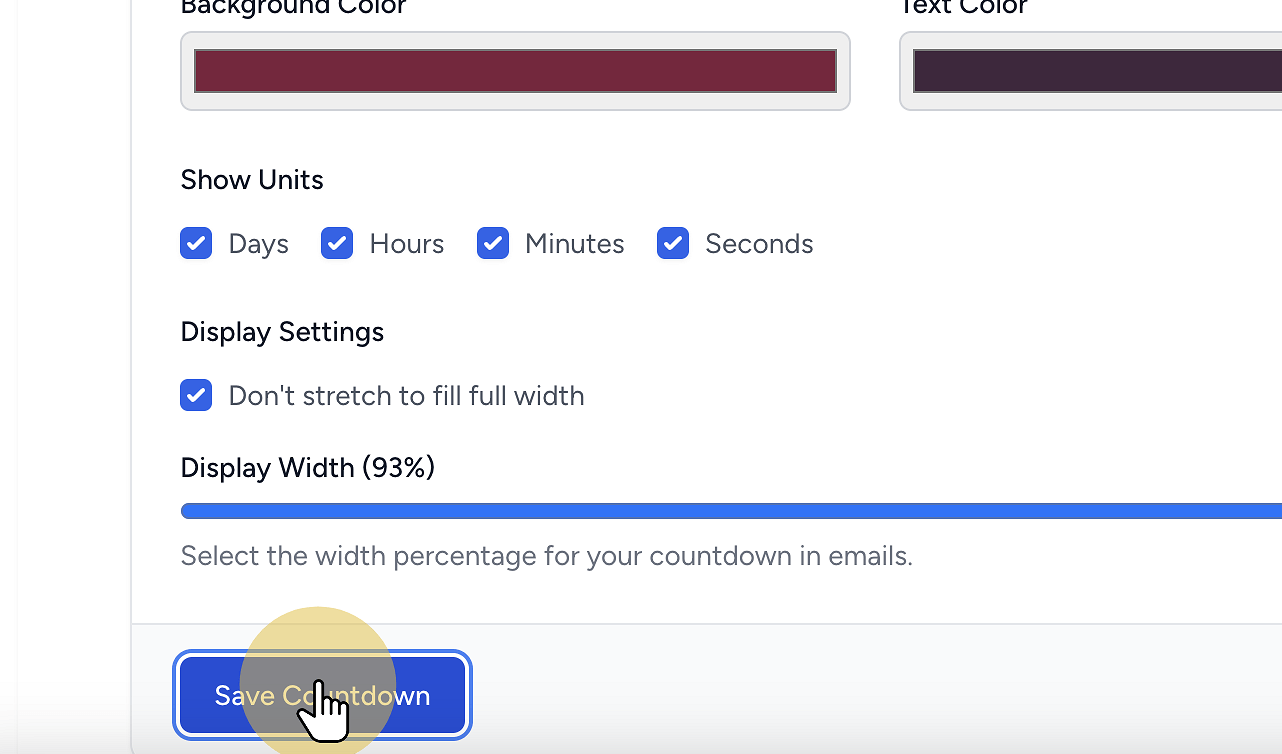
 4. Save your countdown timer
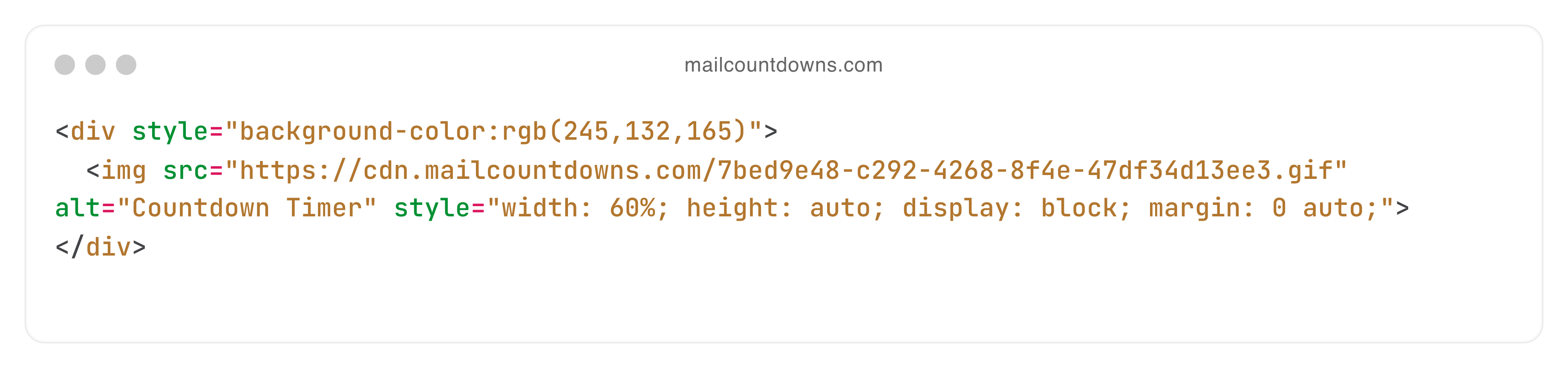
 5. Copy the generated HTML code
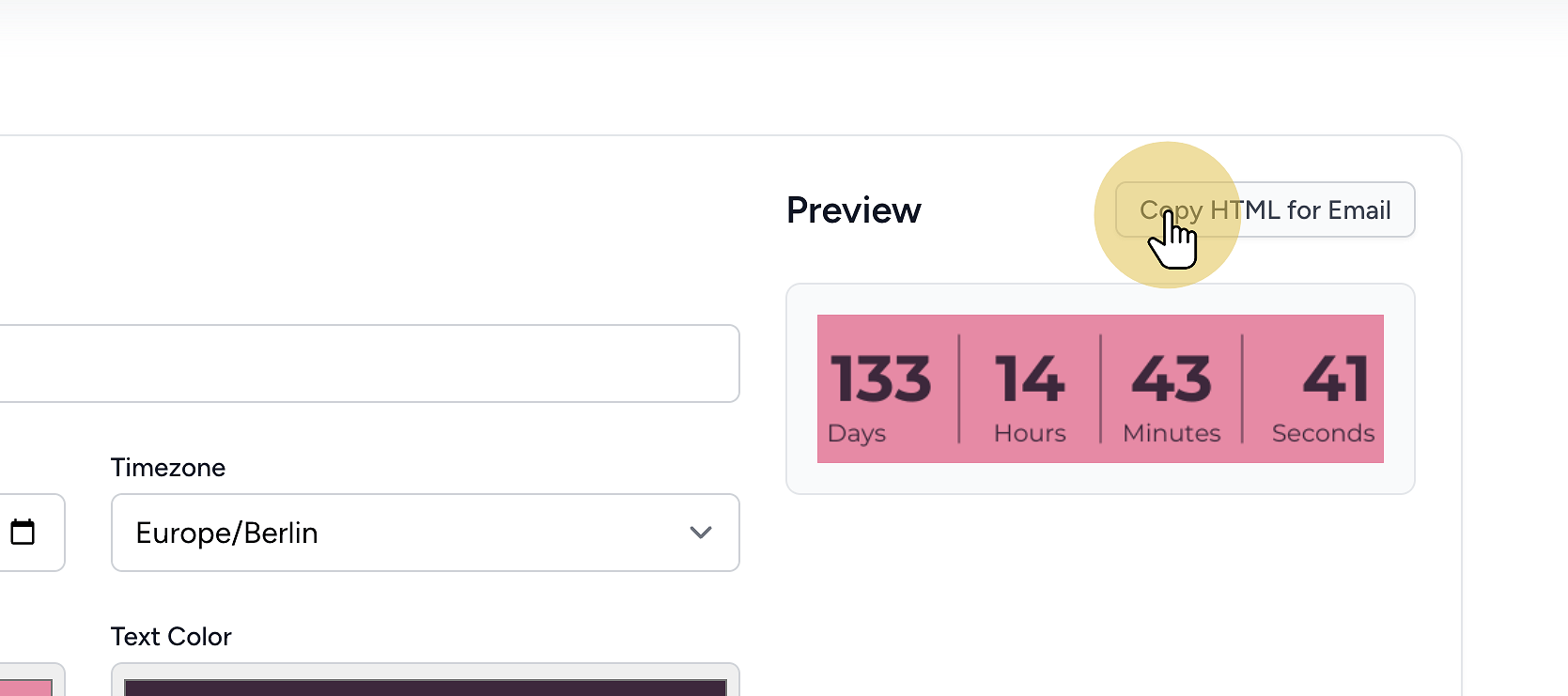
All set! You're ready to integrate your countdown timer. The HTML code is now saved in your clipboard and ready to be used.
Add it to your platform
We provide comprehensive integration guides on how to add e-mail countdowns to your preferred marketing service, CMS or e-mail client. We have covered how to integrate with Mailchimp, Klaviyo, HubSpot, WordPress and countless others!
Design and deliverability best practices
- Keep the timer above the fold near your CTA
- Use high contrast colors and readable fonts (our great designs take care of this for you)
- Pair with clear, time-bound copy (e.g., “Ends in 02:15:23”)
- Test in Gmail, Apple Mail, and Outlook
- Set timezone and language per campaign if your countdown provider supports it
FAQ
Is a countdown timer supported in all email clients? Most major clients support animated GIFs. Outlook shows the first frame.
Can I use a timer for free? Yes—no watermark on the free plan.
How often does it update? On open; refreshes on reopen to stay accurate.
Can I localize it? Yes—pick timezone and language during creation.
Related guides
Ready to Add Countdown Timers to Your Emails?
Create urgency and boost engagement in your email campaigns with dynamic countdown timers.